Free
- Padel and tennis
- Undo and serve
- iPhone and Apple Watch
Tap the side that won. Rallyboard counts the rest.
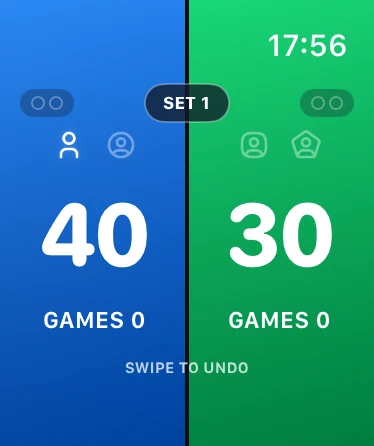
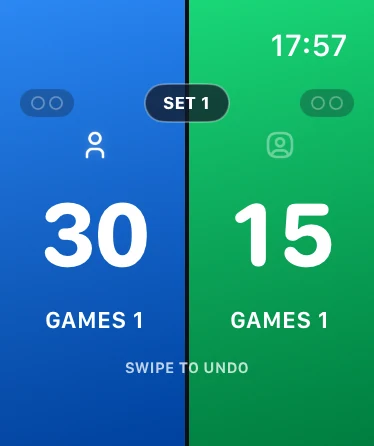
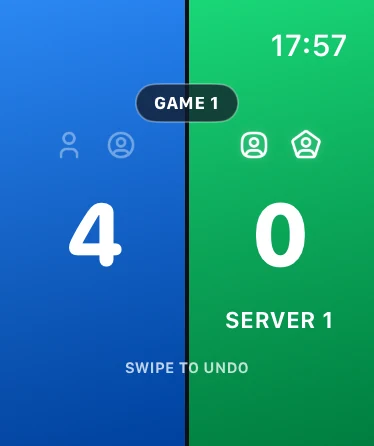
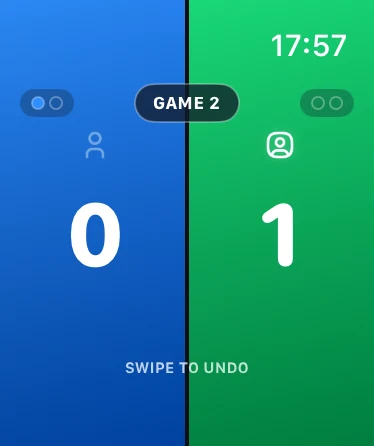
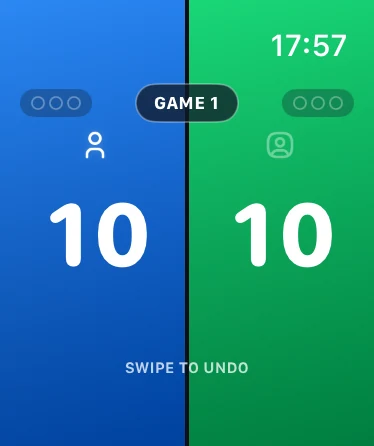
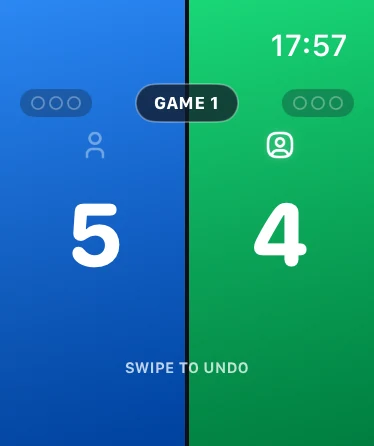
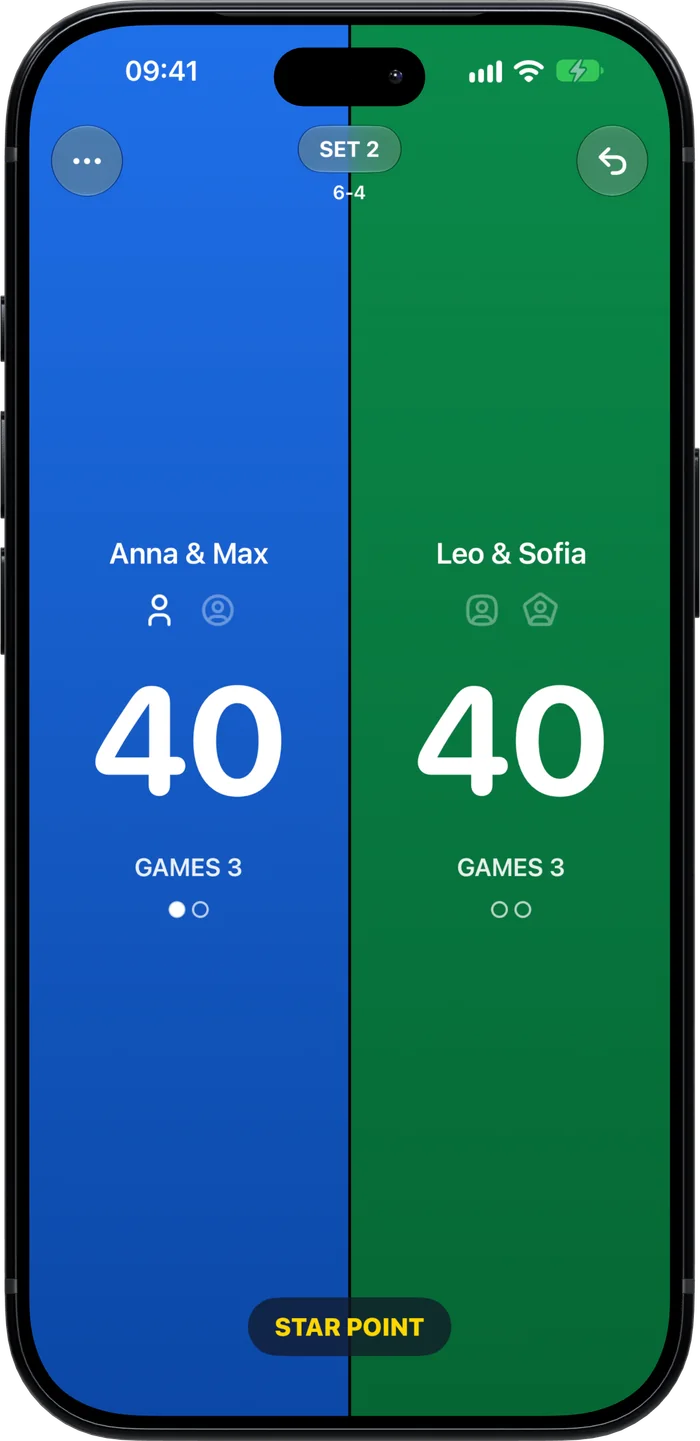
The same app, now on iPhone too.
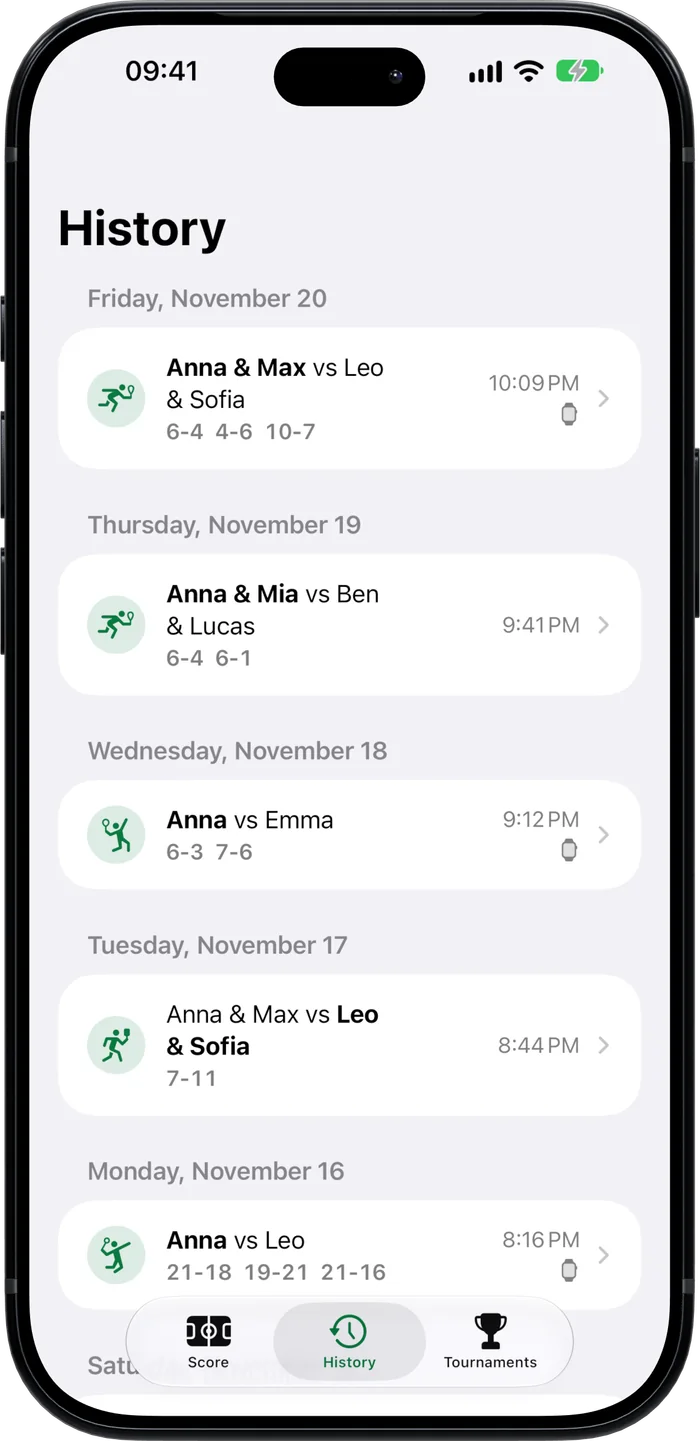
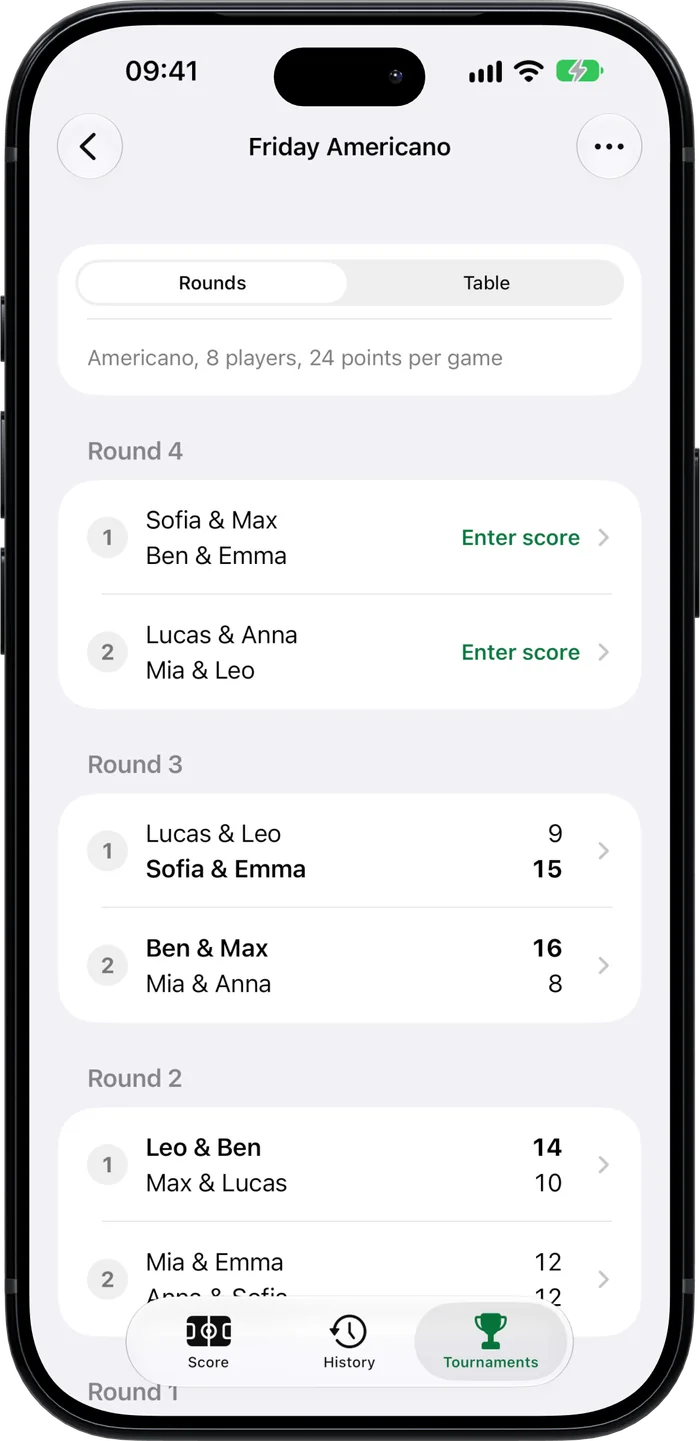
The same download now includes an iPhone app. It counts the six sports by the same rules as the watch, keeps every finished match and runs Americano and Mexicano tournaments. The Apple Watch app still works on its own, without the phone.
On iPhone Duo, opened, the left screen adds your recent matches, your totals or the tournament table.
Each sport counts its own way.
Your phone can stay in the bag.
Padel, tennis, pickleball, badminton, table tennis and squash, each counted by its own rules. Tap the side that won the rally; Rallyboard keeps the rest.
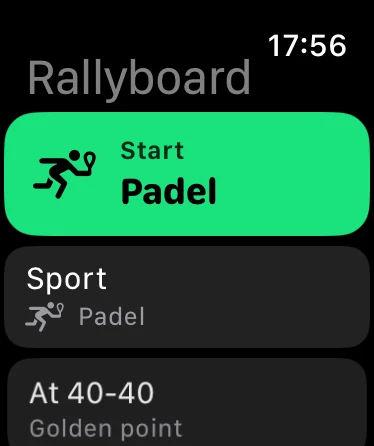
Rallyboard counts advantage, golden point and Star Point, tiebreaks, the super tiebreak and the serve order, plus tennis, pickleball, badminton, table tennis and squash. The Apple Watch app works on its own, so your phone can stay in the bag, and there is no account to create.
Padel and tennis are free. Pro adds the rest.
Pro: $2.99 a month or $14.99 a year, 14-day free trial on yearly. US prices; the App Store shows yours.
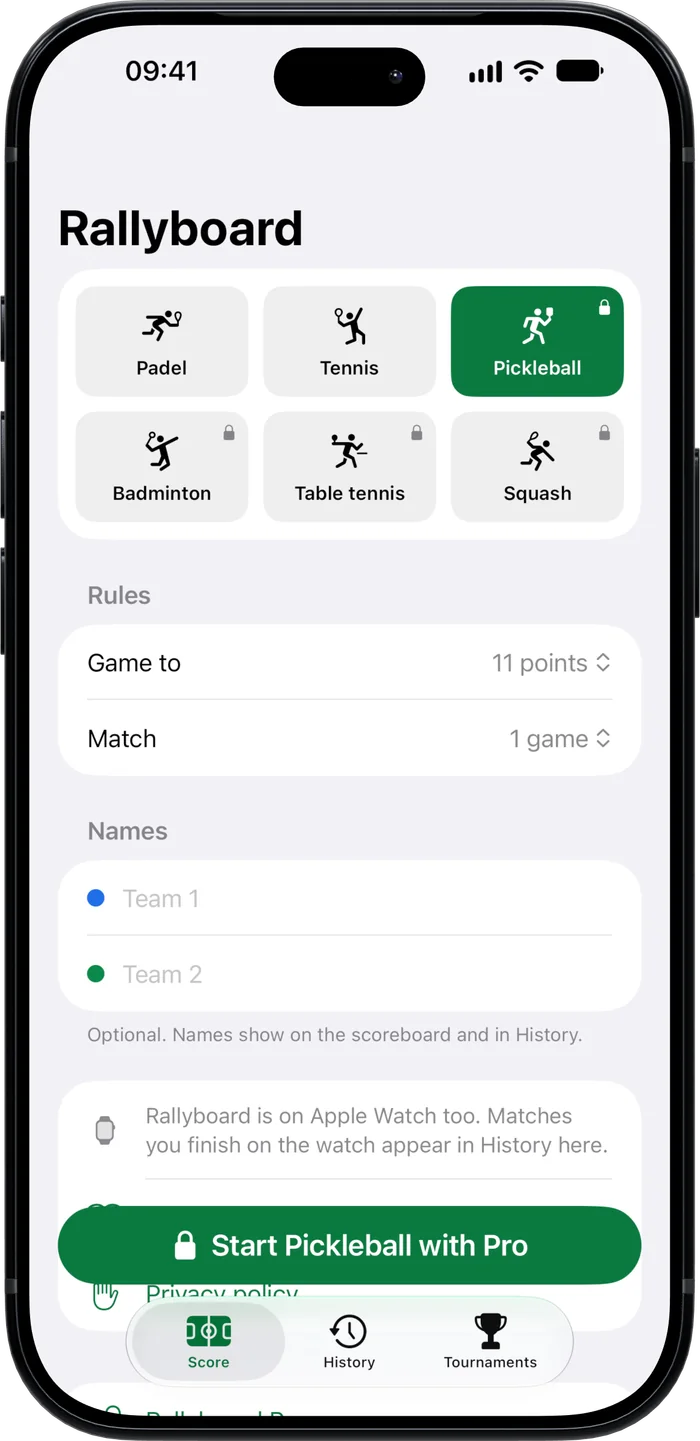
Rallyboard is free to download, and padel and tennis scoring with the standard rules is free on iPhone and Apple Watch. Pro is a monthly or yearly subscription, with a 14-day free trial on the yearly plan, and adds four more sports, other scoring formats, History and tournaments. There are no ads.
Rallyboard follows the padel point progression: 15, 30, 40, game, with deuce and advantage. It tracks games and sets, switches to a tiebreak automatically at six games all, and shows the serving team and the exact player who is up next.
Yes. The Apple Watch app runs on its own, so you can keep score on court while your phone stays in the bag. If Rallyboard is also on your iPhone, matches finished on the watch appear in its History once the two connect again. No account or sign-in is required.
Swipe right on the scoring screen. Rallyboard restores the previous state exactly, including a finished game or set.
Rallyboard speaks 15 languages: English, Spanish, Italian, French, German, Portuguese (Brazil and Portugal), Dutch, Swedish, Danish, Finnish, Norwegian, Polish, Russian and Ukrainian.
Yes, on iPhone, with Pro. Add 4 to 32 players and pick 16, 21, 24 or 32 points per game and the number of courts. Rallyboard makes every round, rotates who sits out and keeps the table. Americano avoids repeating partners; Mexicano sets the courts from the table, with the 1st and 4th against the 2nd and 3rd.
Pickleball, badminton, table tennis and squash; golden point, Star Point and no-ad tennis; one set, two sets with a super tiebreak, and best of five; History on iPhone (matches are saved without Pro too); Americano and Mexicano tournaments; and the side panel on iPhone Duo. One subscription covers iPhone and Apple Watch. If you installed Rallyboard before version 1.2.2, all of this stays included at no cost.
On iPhone, open Settings, tap your name, then Subscriptions, and choose Rallyboard. Cancel at least 24 hours before the current period ends; Pro stays on until then. Deleting the app does not cancel the subscription.
Sign in to the new iPhone with the same Apple ID, open Rallyboard and tap Restore Purchases. Pro comes back at no extra cost.
Rallyboard is made by the same small team behind these apps.
A private money tracker for iPhone. Add an expense by voice or by snapping a receipt.
Learn more
A private notes-to-self chat for iPhone: text, links, voice notes and files in topic chats.
Learn more
A free global leaderboard for iPhone where players climb for status.
Learn more